Why You Can’t Preview Files in Windows 11 Anymore (And How to Fix It Safely)
If Windows 11 suddenly stopped letting you preview files in File Explorer, you’re not imagining things — and your PC isn’t broken.
Over the past few months, we’ve been asked this question repeatedly:
“Why does Windows 11 warn me that a file could harm my computer when I just want to preview it?”
Let’s answer it clearly, honestly, and without tech jargon.
The Short Answer
Microsoft intentionally disabled file previews for downloaded files in Windows 11 as part of a security update.
It’s frustrating. It slows people down. But it was done to stop a very real and very serious security risk.
Let’s unpack what changed — and what you can safely do about it.
What Changed in Windows 11 File Explorer?
In October 2025, Microsoft released a Windows 11 security update (KB5066835).
One of the changes in that update:
The Preview Pane in File Explorer no longer works for files downloaded from the internet.
That includes files from:
- Email attachments
- Web browsers (Edge, Chrome, Firefox)
- SharePoint and OneDrive
- Cloud storage links
- Any external source outside your PC
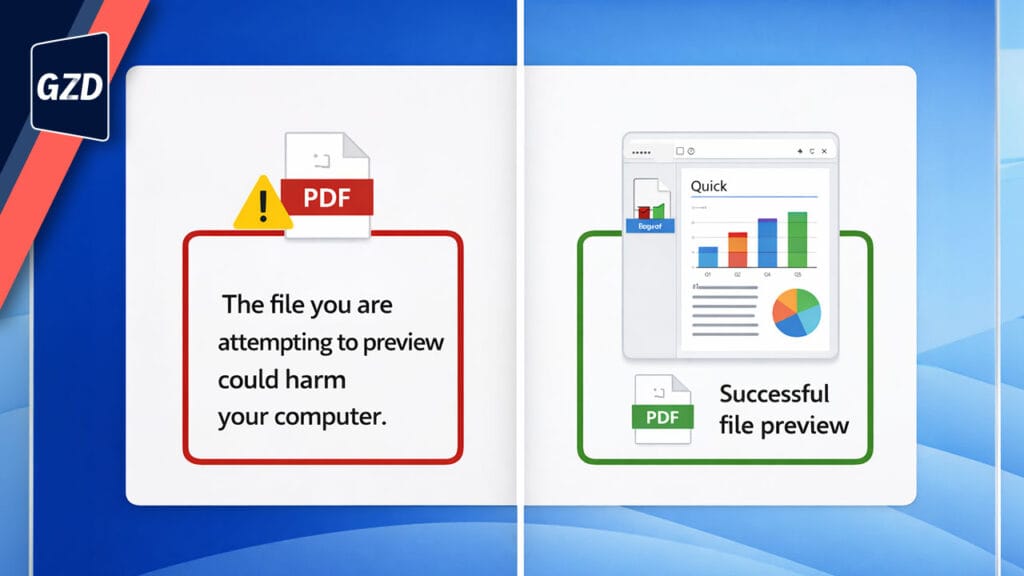
Instead of a preview, you’ll see a warning like:
“The file you are attempting to preview could harm your computer.”
This isn’t a bug.
This is by design.
Why Did Microsoft Disable File Previews?
Because attackers found a way to steal Windows login credentials just by getting someone to preview a file.
No opening.
No clicking “Enable Content.”
Just previewing the file was enough.
The vulnerability is tracked as CVE‑2025‑59214.
Once Microsoft confirmed it was being exploited, they closed the door — fast.
From a security standpoint?
✅ The right move.
From a usability standpoint?
😬 Painful.
What Files Are Blocked From Previewing?
Any file with what Windows calls the Mark of the Web (MotW).
That’s a hidden tag Windows adds to files it believes came from the internet.
If you:
- Downloaded it
- Received it by email
- Saved it from SharePoint or OneDrive
- Got it from a cloud link
…it almost certainly has MotW applied.
✅ Files you create yourself on your PC are not affected.
Can You Re‑Enable File Previews in Windows 11?
Yes — but only if you trust the file.
Here’s the safest option for individual users:
Option: Unblock a File Manually (Recommended for End Users)
If you trust the file and the source it came from:
- Right‑click the file
- Click Properties
- Tick Unblock
- Click Apply, then OK
Once unblocked, the Preview Pane will work again.
⚠️ Important: Only do this for files you genuinely trust. This protection exists for a reason.
Why We Don’t Recommend DIY Bulk Fixes
You may see advice online suggesting:
- Bulk PowerShell commands
- Registry changes
- Disabling security features
While these can work, they also increase risk, especially in business environments.
In our experience, when preview behaviour suddenly changes across multiple users, it’s often a sign that:
- Endpoint security policies need adjustment
- Trusted sources need to be reviewed
- Microsoft security changes need to be handled centrally
That’s not something most users should try to fix alone.
The Best Next Step: Log a Support Ticket
If this change is disrupting your work or affecting multiple users, the safest and fastest option is to log a support ticket with us.
We can:
- Confirm whether this behaviour is expected in your environment
- Identify which sources can be safely trusted
- Apply the correct fix without weakening your security posture
✅ No guesswork
✅ No risky shortcuts
✅ No rolling back critical security updates
What You Should Not Do
❌ Uninstall Windows security updates
❌ Apply random registry hacks from forums
❌ Install third‑party tools that bypass security warnings
The vulnerability Microsoft fixed is serious — and actively exploited.
Convenience is never worth compromised credentials.
The Bottom Line (Plain English)
Microsoft didn’t break File Explorer.
They:
- Closed a serious security loophole
- Protected Windows login credentials
- Forced safer file handling across Windows 11
Yes, it’s inconvenient. But it’s also protecting your business, your data, and your reputation.
If this change is slowing your team down, log a ticket and let us fix it properly.
Frequently Asked Questions
Why can’t I preview PDFs in Windows 11 anymore?
Because Microsoft disabled previews for downloaded files to prevent credential theft caused by a security vulnerability.
Is Windows 11 broken?
No. This is an intentional security change.
Can this be fixed safely in a business environment?
Yes — but it should be handled by IT to avoid creating new security risks.
Does this affect SharePoint and OneDrive files?
Yes. Files downloaded from cloud services are treated as internet files.
If you’re unsure what’s safe to unblock — don’t guess. Log a ticket and we’ll help you do it the right way.