Stay up to date
GZD NEWS

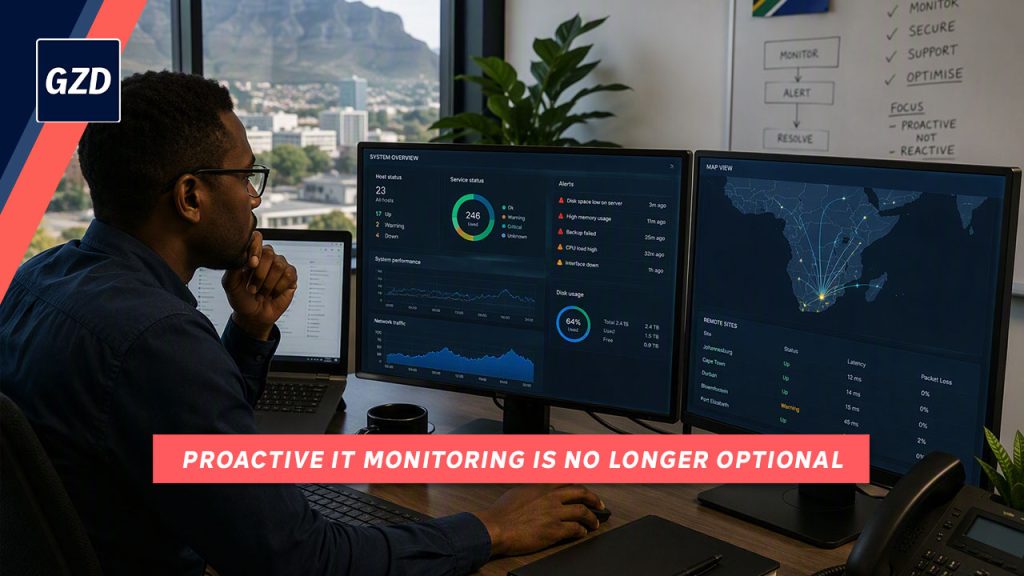
Skills Shortages Are Reshaping IT: Why Proactive Monitoring Is No Longer Optional
South African businesses are facing growing IT skills shortages while cyber threats and technology complexity continue to increase. Discover why proactive IT monitoring has become essential for improving security, reducing downtime, and supporting business growth.
AI-Powered Cyber Security: The Next Step in Threat Prevention
Microsoft is exploring how AI can identify security vulnerabilities before cyber criminals do. Here’s what South African businesses can learn from this emerging technology.
Windows 11 Gets Faster Again
Microsoft is making Windows 11 faster and more responsive by improving the core technologies behind everyday tools like File Explorer and Notepad. These small performance gains can add up to a smoother, more productive workday for your business.
Should Your Business Use an AI Voice Assistant?
AI voice assistants can answer routine enquiries, book appointments and reduce pressure on staff. But are they the right fit for your business? Here’s what to consider before investing.

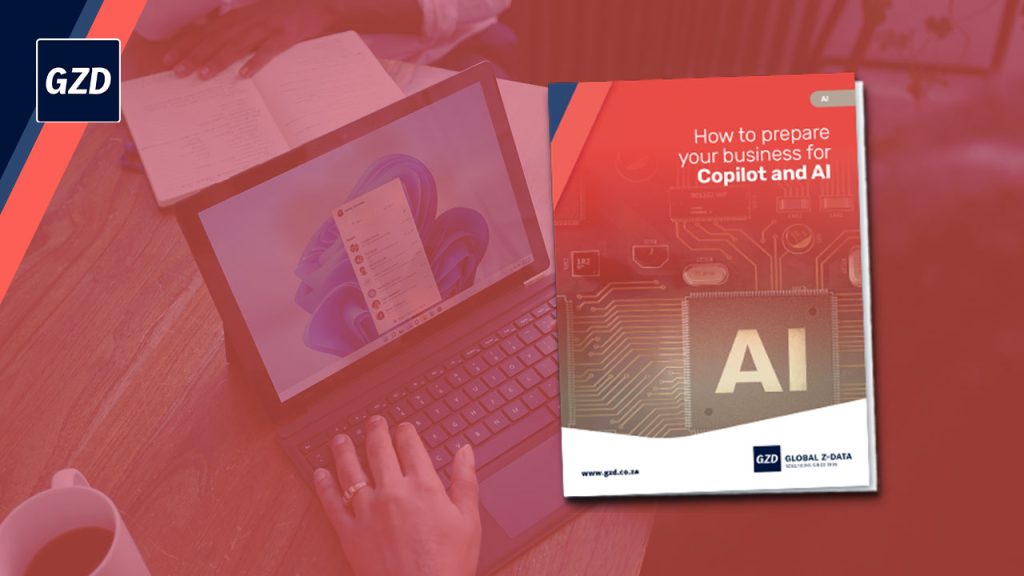
Preparing Your Business for Microsoft Copilot and AI
Thinking about Microsoft Copilot or AI for your business? Discover the practical steps that can help you achieve better results, strengthen security, and maximise your Microsoft 365 investment.
There’s Only One Thing You Can Trust Cyber Criminals For
Even when cyber criminals turn on each other, they are still driven by the same goal: profit. Discover why businesses should rely on preparation, trusted expertise and a solid cyber security strategy instead of false promises from attackers.
Copilot Wave 3: AI Agents, Workflows and Smarter Automation
Microsoft’s latest Copilot Wave 3 updates introduce AI agents, smarter workflows and improved business context awareness, helping teams work more efficiently across Microsoft 365.

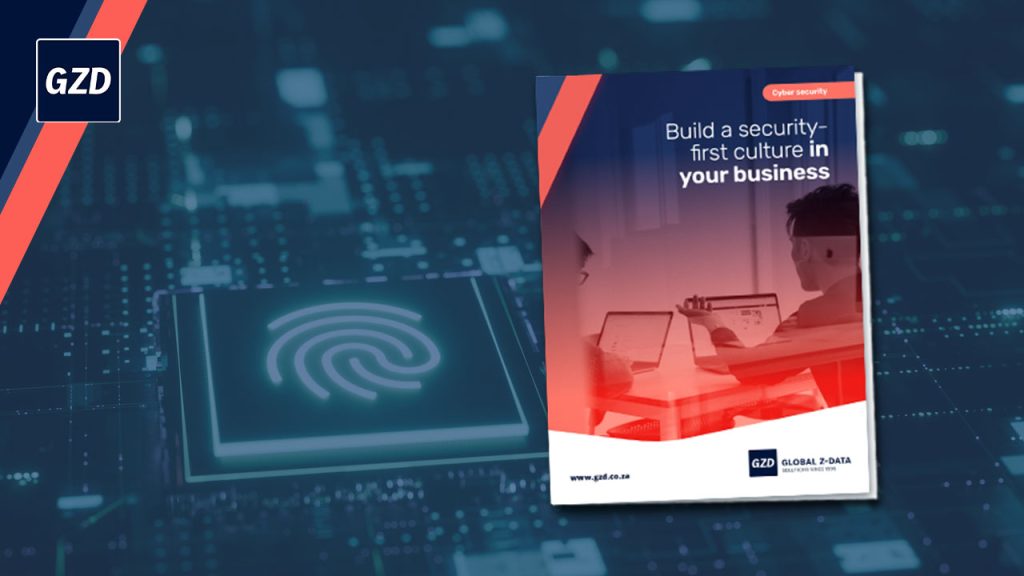
Your Guide to Building a Security-First Culture in Your Business
Cyber security is no longer just about firewalls and antivirus software. Discover how South African businesses can build a security-first culture that reduces risk, strengthens resilience and helps employees spot threats before they become costly problems.
Beware Fake CAPTCHA Scams
Fake CAPTCHA scams are becoming more common, tricking users into sending premium or international text messages. Learn what to watch for and how to protect your team.
SUBSCRIBE
Subscribe to our mailing list to be the first to receive news and updates from Global Z-Data.